
Custom value lists
A custom value list maps readable labels to technical values. You
pick Red from a dropdown, and the request goes out with FF0000.
It is the equivalent of an enumeration, except you define it yourself, without depending on an imported specification.
Where to create them
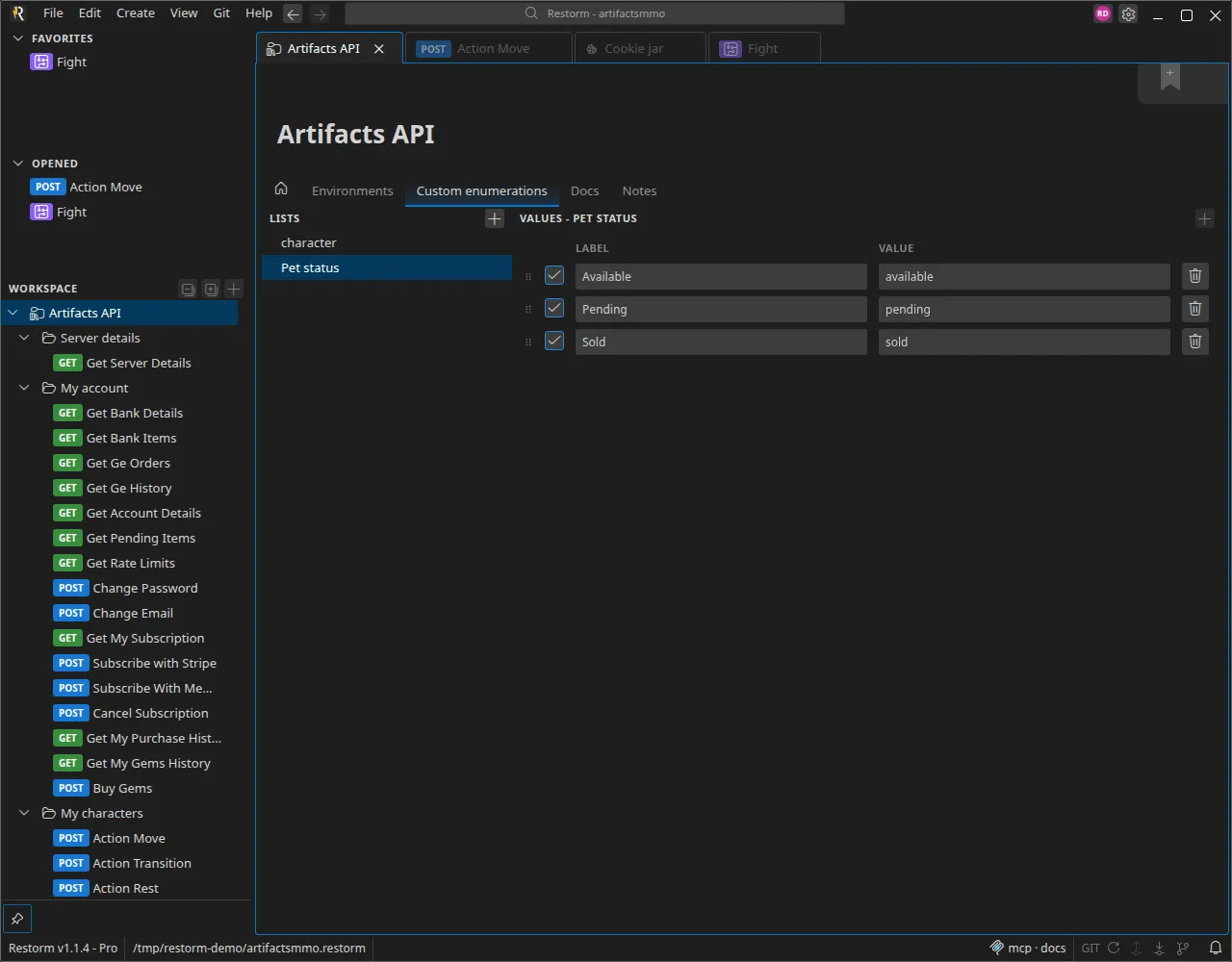
Section titled “Where to create them”Open the environment folder then its Custom variables tab. Each list has a name and a series of entries:
| Label | Value | Enabled |
|---|---|---|
Red | FF0000 | ✔ |
Green | 00FF00 | ✔ |
Blue | 0000FF | ✔ |
Old internal code | X-42 | ✘ |
Using them
Section titled “Using them”Anywhere a typed value is accepted — an environment variable, a query parameter, a scenario action’s configuration field — choose the Custom list type then the list you want. The field turns into a dropdown of labels.
Two variants:
- Custom list: a single choice;
- Multiple custom list: several labels, whose values are joined.
Disabled entries
Section titled “Disabled entries”Unticking an entry removes it from the dropdown and makes it unresolvable: a request that still referenced it will go out with the raw label instead of its value. That is the intended behaviour — it makes a reference that has gone stale visible instead of failing silently.
When is a plain variable the better choice?
Section titled “When is a plain variable the better choice?”| Need | Choose |
|---|---|
A value that changes per environment (baseUrl) | An environment variable |
| A choice from a finite set, identical across every environment | A custom list |
| A set of values imposed by the imported specification | An enumeration (created at import time) |
On the command line
Section titled “On the command line”A scenario parameter typed as a “custom list” is passed by label on the command line, and Restorm converts it to the value:
restorm --open projet.restorm --run "Rendu" --headless --param Couleur=Rouge