
OData
OData is handled as a protocol in its own right, not as HTTP you have to decorate yourself: Restorm knows its system options, its operations and its batch format.
Right-click in the tree ▸ Add ▸ OData request.
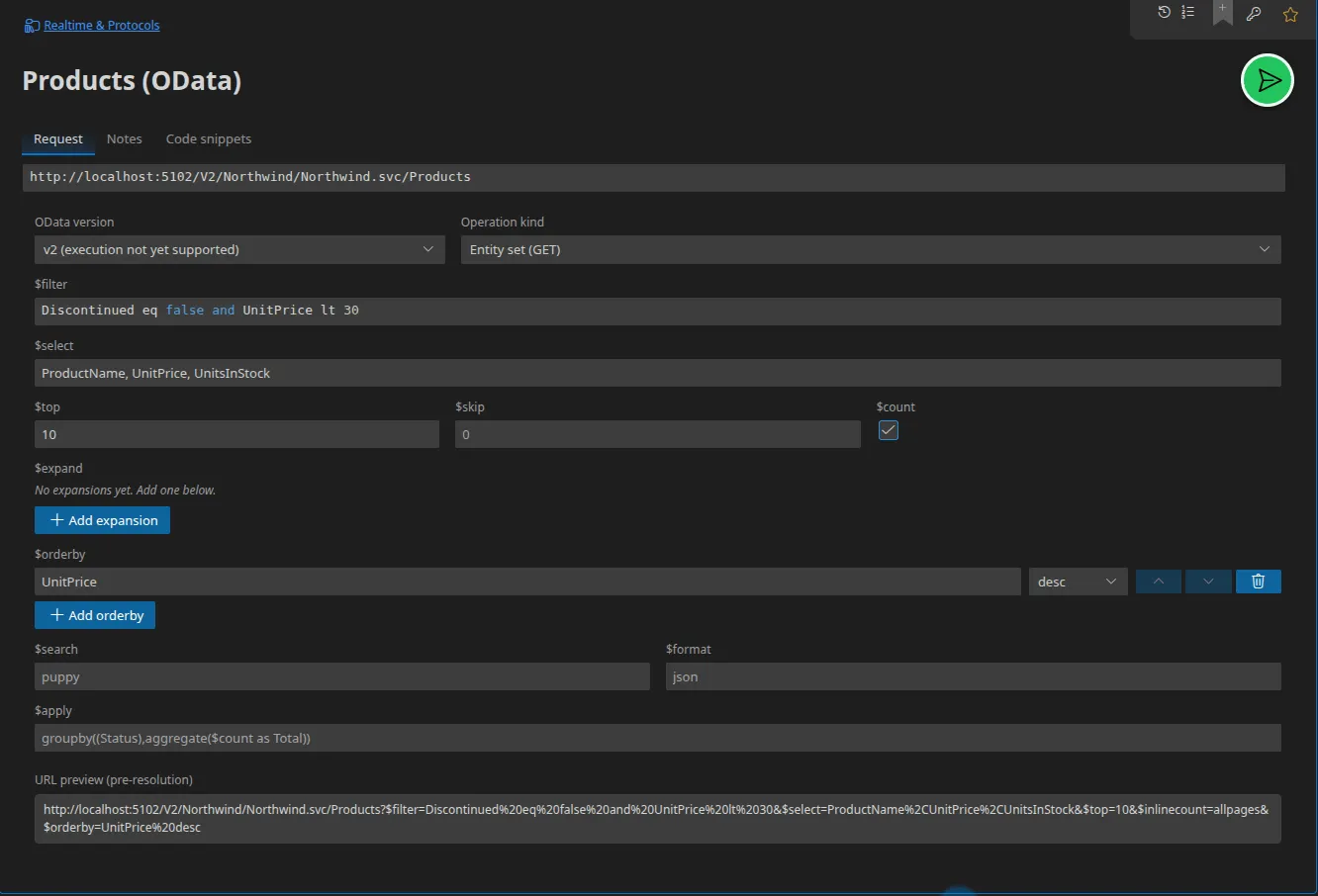
Configuration
Section titled “Configuration”| Field | Role |
|---|---|
| URL | The service’s endpoint, entity set included |
| OData version | v2, v3, v4 or v4.01 |
| Operation type | entity-set, function, action or batch |
| Headers / Parameters | As for an HTTP request |
Query options
Section titled “Query options”Each system option has its own field:
$filter · $select · $top · $skip · $count · $expand · $orderby ·
$search · $format (json, xml, atom) · $apply (aggregation, v4.01).
The $filter field benefits from autocompletion fed by the imported
metadata: property names and operators are offered to you.
Functions and actions
Section titled “Functions and actions”For function and action, a list of typed operation parameters is
available — name, qualified CSDL type, nullability, binding flag — and, for an
action, a dedicated JSON body.
$batch requests
Section titled “$batch requests”The batch mode carries a list of sub-requests, each with its method, URL,
headers, body, and optionally its atomicity group (change set). Two
options:
- Format:
multipart(the default) orjson; - Allow GETs inside a change set: disabled by default; enabling it raises a warning, because OData does not provide for it.
Importing the metadata
Section titled “Importing the metadata”Import a $metadata document or an .edmx file: Restorm creates one folder per
entity set with its CRUD requests, plus Actions and Functions folders.
Requests arrive pre-filled with the entity type, the properties, the navigation
properties and the query options. See
Importing OData.
Server mode
Section titled “Server mode”Restorm can host a mock OData v4 service: you supply the CSDL metadata document (served as it is) and the data per entity set. System options are applied to the data served. See Mocking an OData service.