
AMQP / RabbitMQ
Restorm implements AMQP 0-9-1, RabbitMQ’s protocol.
Right-click in the tree ▸ Add ▸ AMQP request.
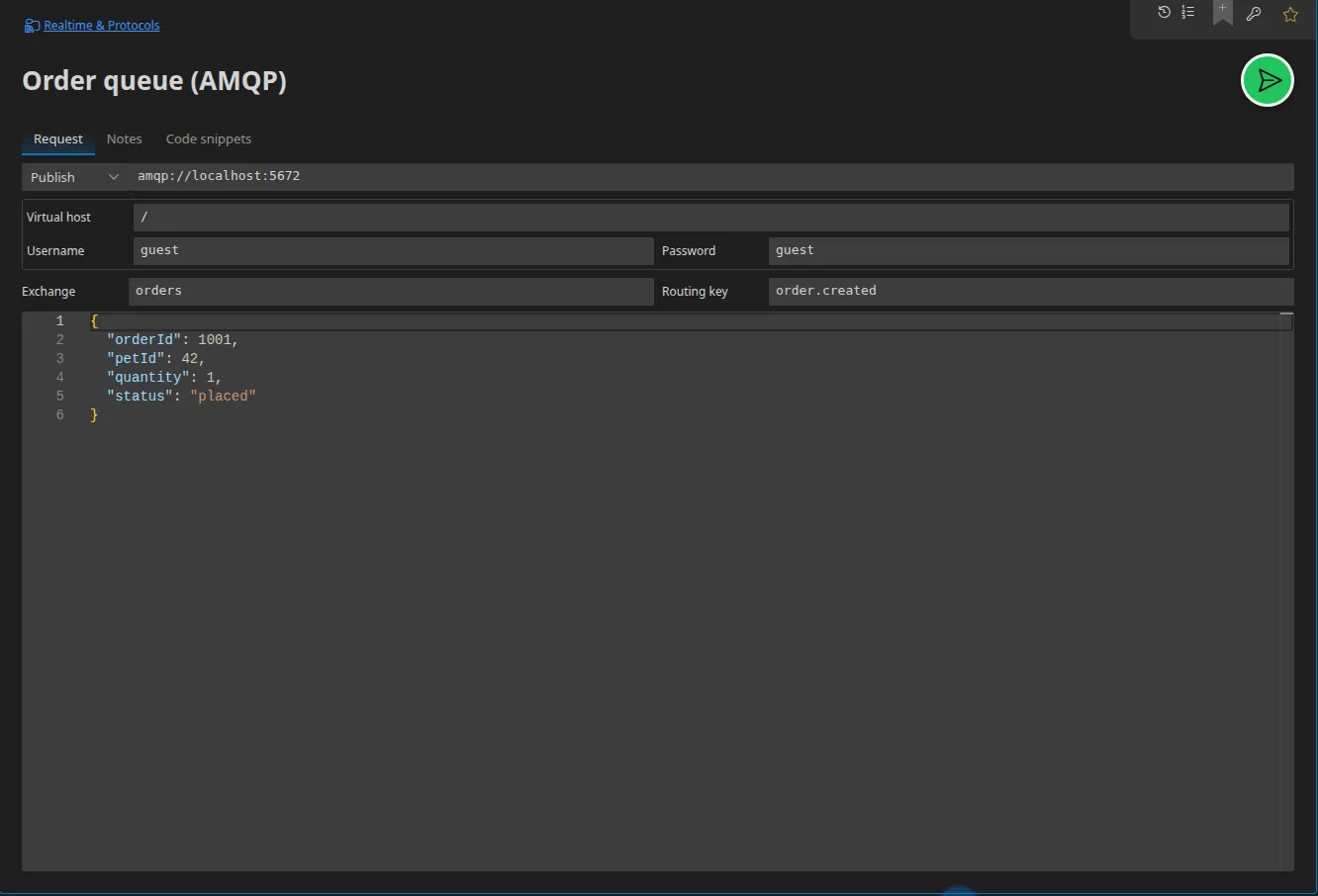
Shared configuration
Section titled “Shared configuration”| Field | Role |
|---|---|
| URL | amqp:// or amqps:// |
| Vhost | The virtual host; / by default |
| User / Password | The password accepts a Secret-typed value |
| Mode | publish, subscribe or browse |
publish mode
Section titled “publish mode”| Field | Role |
|---|---|
| Exchange | The exchange’s name; an empty string means the default exchange |
| Routing key | The routing key, which accepts {{variables}} |
| Payload | The message’s body |
subscribe mode
Section titled “subscribe mode”| Field | Role |
|---|---|
| Queue | The queue being consumed |
| Automatic acknowledgement | Enabled by default; turn it off to observe redelivery behaviour |
| Prefetch | The maximum number of unacknowledged messages in flight |
browse mode
Section titled “browse mode”Inspects a queue’s content without consuming it: Restorm takes a bounded number of messages (50 by default) and puts them back.
This is the mode you want in order to answer “what is in this queue?” without disturbing the system. It is available in the request tab; unlike the other two modes, it has no dedicated scenario action.
In a scenario
Section titled “In a scenario”AMQP connect (consumes the queue in subscribe mode and emits one event per
message), AMQP publish (publishes to the request’s exchange and routing key)
and AMQP close. See
Connections and streams.
Code snippets
Section titled “Code snippets”Eight targets: JavaScript (amqplib, for publishing, consuming and inspecting),
Python (pika), amqp-publish and amqp-consume (amqp-tools), rabbitmqadmin.