
Mini browser
View ▸ Mini browser.
A built-in web browser, opened like any other workbench tab. The point: watching your application react while you send your requests, without leaving Restorm or juggling two windows.
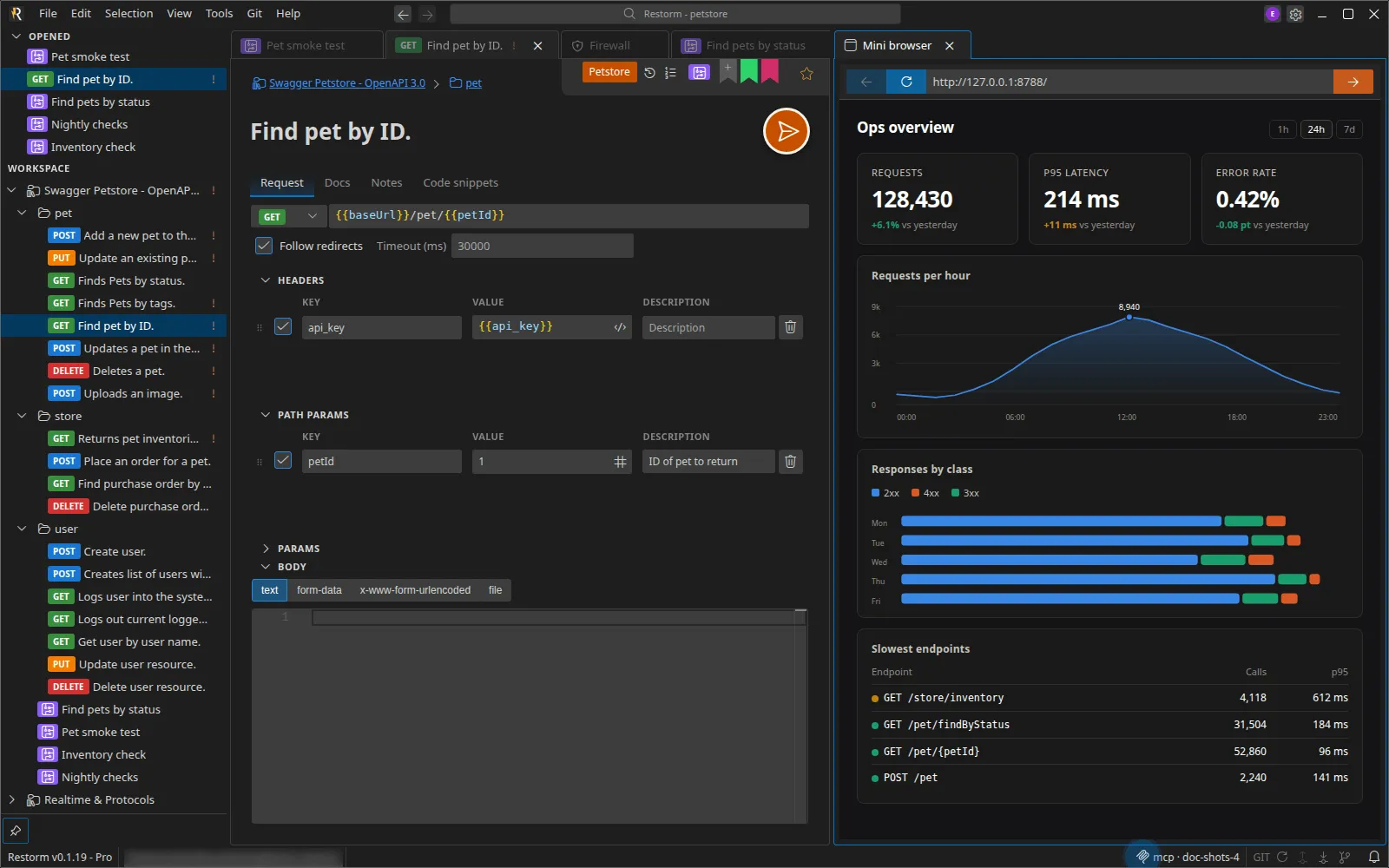
The toolbar
Section titled “The toolbar”Back · Refresh · address bar (Enter to confirm) · Go.
The address is normalised for you:
| What you type | What is loaded |
|---|---|
exemple.com | https://exemple.com |
localhost:3000 | http://localhost:3000 |
127.0.0.1:8080 | http://127.0.0.1:8080 |
https://… | As it is |
The shortcut to http:// for local addresses spares you local development’s
inevitable certificate error.
Things worth knowing
Section titled “Things worth knowing”- The tab is unique: there is only ever one.
- Its URL is persisted with the project: reopening the project brings it back to the right page.
- It survives tab moves: moving it into another group or maximising it does not reload the page, and loses neither the session nor the scroll position.
- Pop-ups are blocked: a
window.openfrom the guest page is ignored. - Your location is not shared by default. The Share your location with the embedded browser setting (Privacy section of the settings) provides it, after your consent, to the pages that ask for it — from the system’s location service, failing that from a city-level estimate based on your IP address. Turning it off forgets the position at once.
- Seeing the effect of a
POSTon the interface that consumes it, side by side. - Opening the documentation of the API you are testing next to the request.
- Going through a web authentication flow to fetch a token to paste into an environment.
Over MCP
Section titled “Over MCP”Two tools, in the Pro edition: open_mini_browser (with an optional URL) and
mini_browser_execute, which runs JavaScript in the guest page’s context. An
agent can thus verify the visible effect of a request it has just sent. See
MCP tools.