
Notes
Every Restorm item — request, folder, scenario, environment folder — carries a Notes tab where you write free text: a reminder, a link to a ticket, an endpoint’s known state, whatever you want.
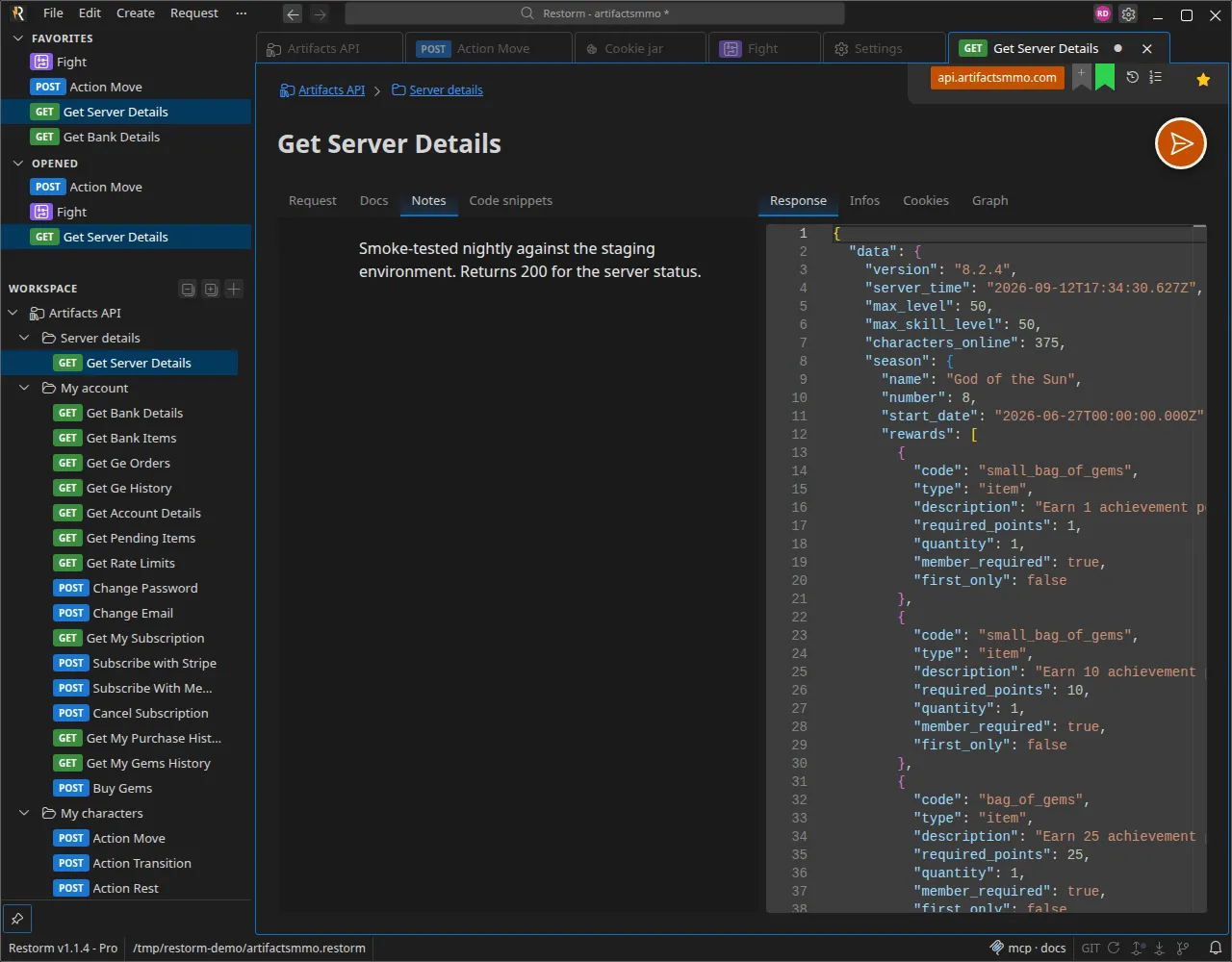
Notes are saved inside the project: they are versioned along with the rest of
the .restorm file and shared with your team. Nothing is sent anywhere — they
live in your file.