
The API designer
The API designer lets you design a complete API directly in Restorm: you describe your data and your routes, and Restorm takes care of the rest — it serves your design like a real mock server, and it generates your application’s code from templates.
It’s the ideal tool for kick-starting an API before the back-end exists: prototype the contract, let your clients test it, and keep everything versioned in your project.
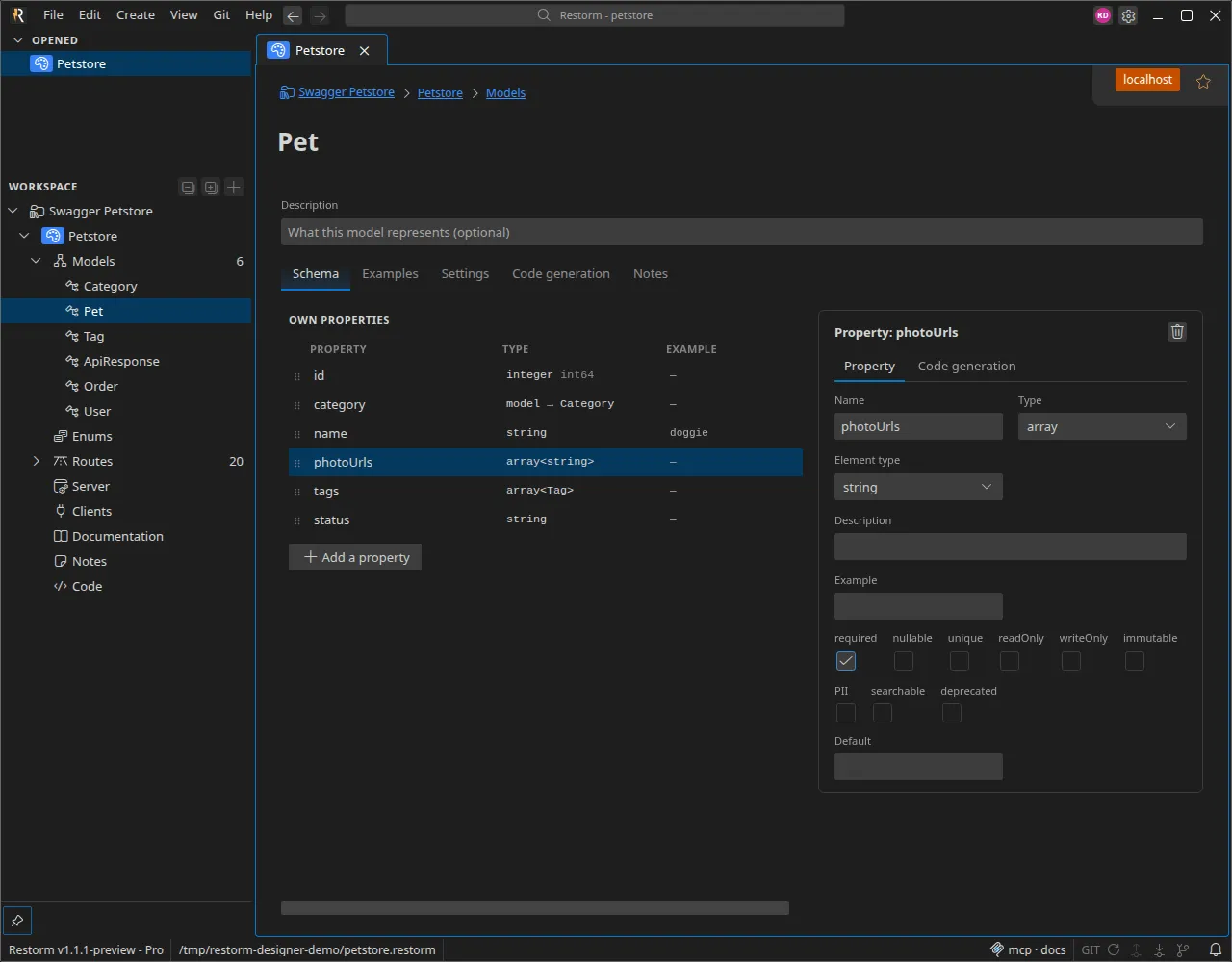
One design, several sections
Section titled “One design, several sections”A design is created like any other item: right-click a folder ▸ Add ▸ API design. It opens in its own tab and gathers several sections, accessible from the sidebar:
| Section | What it’s for |
|---|---|
| Models | Your entities and their properties — see Models, enums and properties. |
| Enums | Closed sets of values, reusable as a property type. |
| Routes | The API’s entry points, grouped by resource — see Routes & CRUD. |
| Server | Serve the design as a mock, over HTTP, GraphQL, SOAP, OData or gRPC — see Serving the design as a mock. |
| Clients | Ready-to-use requests that call the running mock — see Clients. |
| Documentation & Notes | Free-form documentation and notes attached to the design. |
| Code | Code generation from your templates — see Code generation. |
The design’s settings (name, defaults) open by clicking directly on the design node in the sidebar.
The typical journey
Section titled “The typical journey”- Describe your data — create your models and enums, add their properties, their types and their constraints.
- Define your routes — by hand, or in one click with Generate CRUD from a model.
- Serve the mock — start the server and point your application or a client at it. The same design is automatically projected into every enabled protocol.
- Generate the code — choose one or more templates (yours or those provided by Restorm) and produce the corresponding project.
Each step is detailed in the pages of this section.