
Release notes
In the application
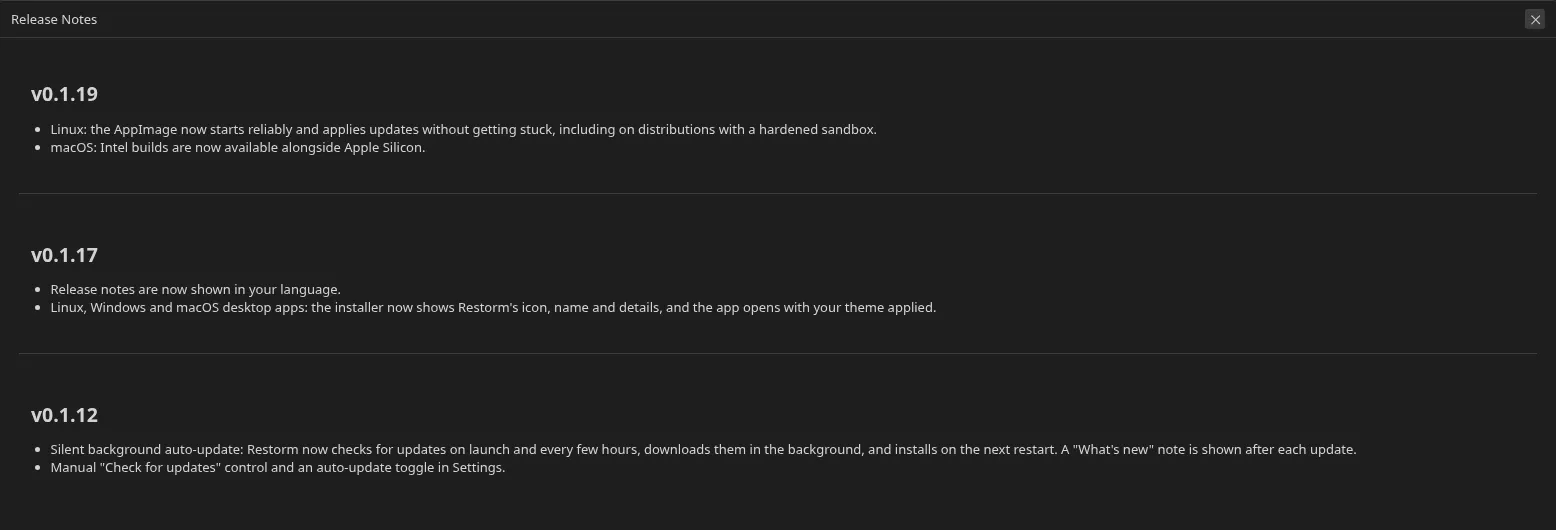
Section titled “In the application”After an update, the first launch shows the “What’s new in version X” screen, built from the release notes bundled in the package. It lists every entry since the version you were using.
The notes are translated into the application’s languages: you read them in your own.
Online
Section titled “Online”The full history is published on the website: restorm.app — release notes section.
Update policy
Section titled “Update policy”Restorm checks for a new version at start-up and then every four hours, downloads in the background and installs the next time you close it. A notification offers to restart straight away.
You can disable the automatic check and trigger a manual one from Settings ▸ Updates. See Installation.
What the notes cover
Section titled “What the notes cover”Every significant version documents its new features both in the release notes and in this documentation. A feature that appears in the application must be findable here: if it is not, tell us.