
Mocking WebSocket, Socket.IO and MQTT
The WebSocket request type gives you access to three servers, depending on the protocol chosen.
Right-click a folder ▸ Add ▸ WebSocket server / Socket.IO server / MQTT server.
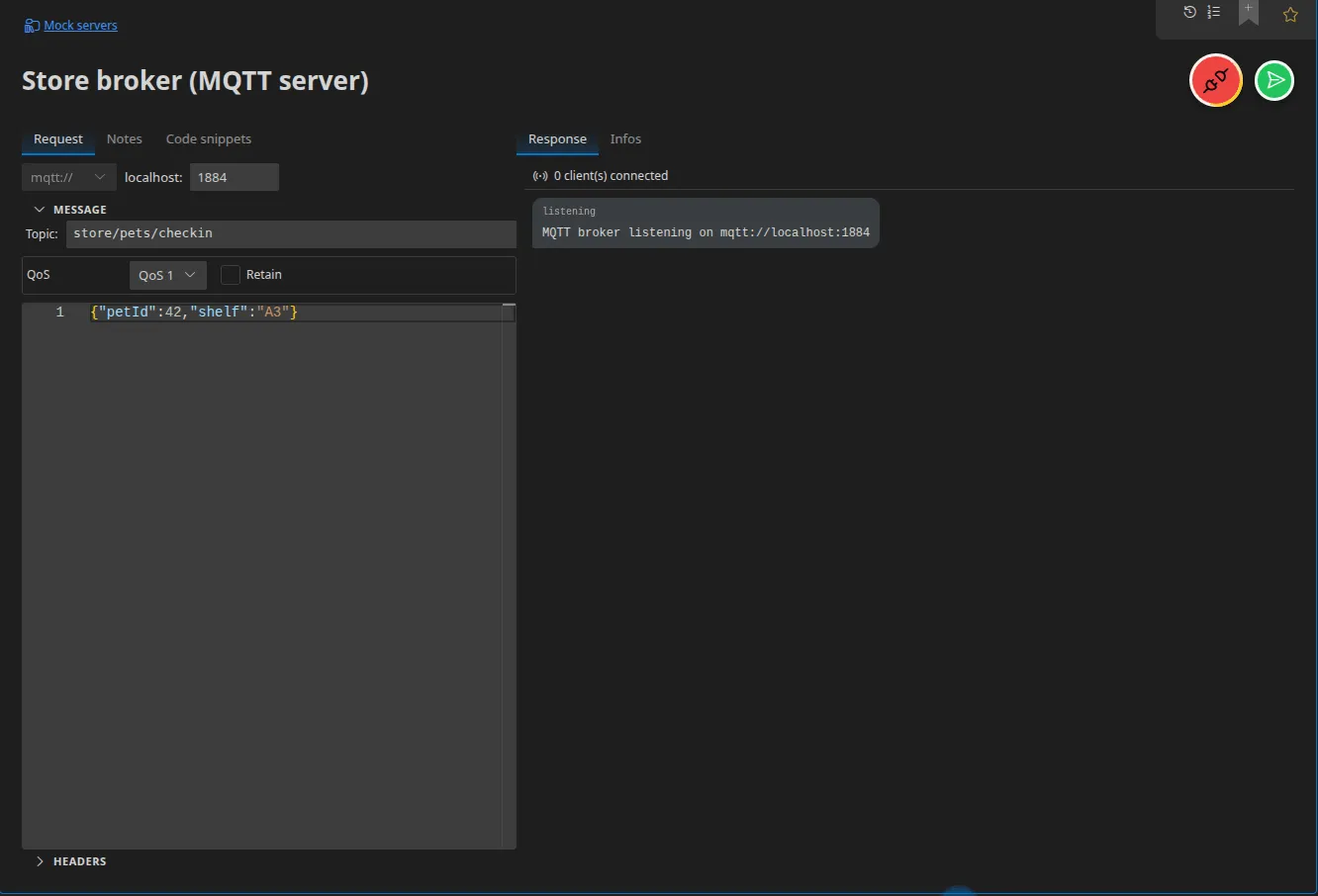
WebSocket server
Section titled “WebSocket server”Accepts incoming connections on localhost:<port> and lets you emit frames to the
connected clients.
Socket.IO server
Section titled “Socket.IO server”The same thing, but with Socket.IO semantics: messages are named events.
MQTT broker
Section titled “MQTT broker”The most interesting of the three: Restorm hosts a genuine local MQTT broker.
- One broker per port.
- Reachable over raw TCP and through an MQTT-over-WebSocket gateway — so your browser clients can connect to it directly.
- Publishing and subscribing work as normal, QoS and retention included.
That lets you develop and test a complete IoT chain without installing Mosquitto or depending on a shared broker.
Port sharing
Section titled “Port sharing”These servers share their socket with the
HTTP servers on the same port: Restorm dispatches
ordinary requests to the HTTP routes and upgrade requests to the real-time
server.
A mock HTTP server and a Socket.IO server can therefore listen together on
:8080 — which is often exactly the topology of a real web application.
In a scenario
Section titled “In a scenario”The WebSocket server close and Socket.IO server close actions close a server opened by a connect action in server mode. See Hosted servers.